


Remove water from phone speakers
Use Water Ejector mode after splashes, rain, workout moisture, or other light water exposure that leaves the speaker quieter or muffled.
Phone Speaker Cleaner
Fix My Speakers is a browser-based speaker cleaner for iPhone and Android. Use Water Ejector after splashes, rain, or light water exposure. Use Dust Cleaner when the speaker sounds blocked by lint or debris, then run the speaker sound test to check whether the audio has improved. No app download required.
FIX MY
SPEAKERS
Press to start
Set your phone volume close to maximum before you start.
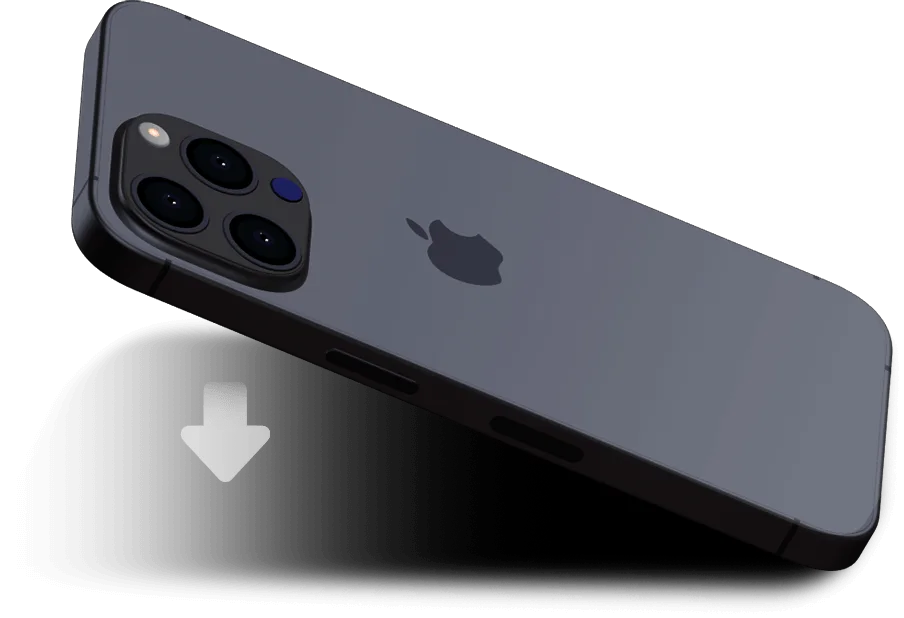
Water ejection in progress
For better results, place your phone face down.
Water Ejector finished
Your 15 second water-ejection run is complete.
Follow-up check
You can stop anytime.
Download the app
What This Tool Helps With
This page is designed around the main searches users make after their phone speaker gets wet, sounds muffled, or needs a quick speaker sound test in the browser.
Use Water Ejector mode after splashes, rain, workout moisture, or other light water exposure that leaves the speaker quieter or muffled.
Use Dust Cleaner mode when a phone speaker sounds blocked by pocket lint, debris, or a buildup that reduces clarity.
Use the built-in sound test to check whether the speaker is clearer, louder, and less distorted before you decide to repeat a cleaning run.
Water Removal
If you are searching for how to remove water from my speaker, start with Water Ejector mode, keep the speaker opening pointed downward, run the cleaning sound for 15 seconds, and then use the speaker sound test to check whether the audio is clearer. If the sound is still muffled, try a longer run before deciding whether the phone needs repair.
Duration Guide
Best for a light problem, whether that is a little dust, a little lint, or a small splash that only slightly softened the speaker sound.
Use this when voices sound muffled or when the phone speaker still seems partially blocked after the shortest cycle.
Choose the longest run only when the speaker still sounds blocked after a shorter cycle or after heavier dirt or moisture exposure.
Use the speaker sound test right away. If the sound is still dull, repeat the process once more before deciding whether repair is needed.
Usage Tips
Gravity can help loose dust fall away and can also help moisture move out of the speaker grille instead of settling deeper inside.
Use 15 seconds first, then step up to 30 or 60 seconds only if the phone speaker still sounds muted.
Comparing the speaker before and after a cleaning run helps confirm whether another pass is needed.
If the phone will not charge, keeps rebooting, or distorts heavily, this tool is not a substitute for repair.